
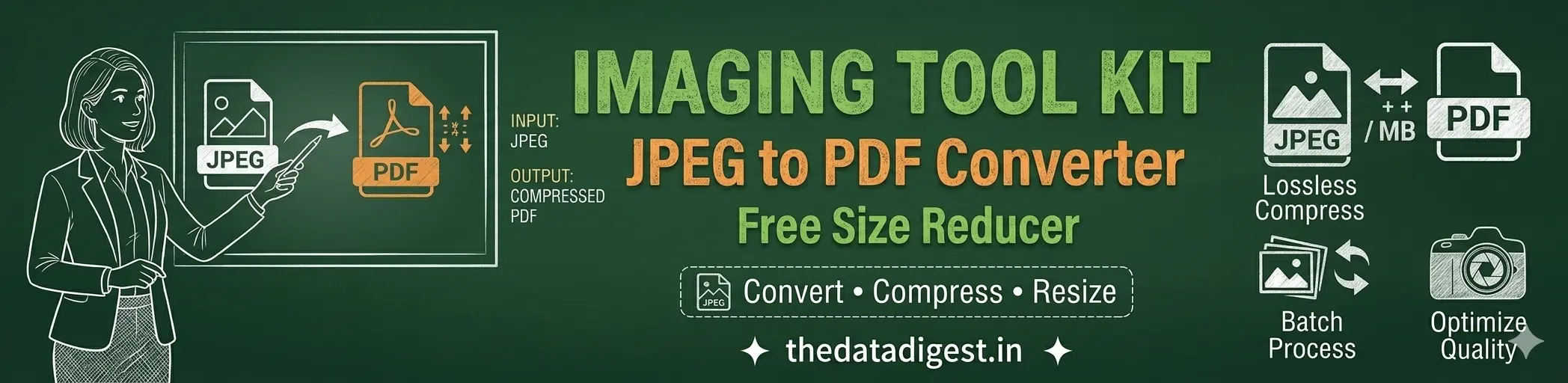
JPEG to PDF Converter & Size Reducer
JPEG और JPG images को PDF में convert करें और image तथा PDF file size को कम करें। JPG, PNG और WebP files को compress करने के लिए यह free, fast और mobile-friendly online tool इस्तेमाल करें।
JPEG to PDF Converter & Size Reducer क्या है?
JPEG to PDF Converter एक free online file tool है जिसकी मदद से आप JPEG और JPG images को PDF में convert कर सकते हैं। एक या multiple images को एक PDF file में combine करके page size, orientation, margin और image quality जैसी settings भी चुन सकते हैं।
इस tool में Size Reducer और compression features भी शामिल हैं। आप JPG, JPEG, PNG और WebP images का file size कम कर सकते हैं तथा PDF files को reduce करने का प्रयास कर सकते हैं।
इसके अलावा PDF pages को JPG या PNG images में convert किया जा सकता है। Tool browser में चलता है, इसलिए सामान्य image compression और conversion के लिए अलग software install करने की आवश्यकता नहीं है।
💡 Browser-Based Processing: Image compression और सामान्य conversion operations आपके browser में process किए जाते हैं। बहुत महत्वपूर्ण या sensitive documents को process करते समय उचित सावधानी बरतें।
🛠️ JPEG to PDF Converter & Size Reducer
Convert • Compress • Reduce File Size — सीधे अपने browser में
Image Compression Complete ✅
Download Compressed ImagePDF Ready ✅
Download PDFPDF Processing Complete ✅
Download Reduced PDFNote: यह method PDF pages को images के रूप में rebuild करता है। इसलिए original selectable text, hyperlinks, forms और कुछ vector elements preserve नहीं हो सकते।
JPEG to PDF Converter और Size Reducer में क्या-क्या कर सकते हैं?
JPEG to PDF Converter
JPEG और JPG images को एक या multiple-page PDF में convert और combine करें।
Multiple Image PDF
कई JPEG, JPG, PNG और WebP images को एक ही PDF में सही order के साथ जोड़ें।
Rotate & Reorder
PDF बनाने से पहले images को rotate करें और drag करके उनका order बदलें।
JPG Size Reducer
JPG और JPEG images की file size quality control के साथ कम करें।
PNG & WebP Compressor
PNG और WebP images को भी browser में process और compress करें।
PDF to JPG Converter
PDF pages को JPG या PNG images में convert करें।
PDF Size Reducer
PDF pages को compressed images के रूप में rebuild करके size कम करने का प्रयास करें।
Mobile Friendly
Android, iPhone, tablet और desktop browsers के लिए responsive design।
JPEG और PDF File Size कैसे कम करें?
अगर JPEG या JPG image बहुत बड़ी है, तो इस tool के Compress JPG / Image option से उसकी quality और maximum width adjust करके file size कम किया जा सकता है।
PDF की file size कम करने के लिए Reduce PDF Size option का इस्तेमाल करें। यह PDF pages को image-based PDF के रूप में rebuild करता है। इसलिए result में original selectable text और कुछ document features preserve नहीं हो सकते।
अगर आपका उद्देश्य केवल JPEG को PDF में बदलना है, तो JPEG to PDF Converter tab चुनें। आप एक image या कई images select करके उन्हें एक single PDF document में combine कर सकते हैं। Images का order, rotation, page size, orientation, margin और quality conversion से पहले control की जा सकती है।
JPEG to PDF Converter & Size Reducer का इस्तेमाल कैसे करें?
Step 1: ऊपर अपनी जरूरत के अनुसार Compress JPG, JPEG to PDF, PDF to JPG या Reduce PDF option चुनें।
Step 2: JPEG to PDF के लिए एक या multiple JPG, JPEG, PNG या WebP images select करें।
Step 3: जरूरत होने पर images का order drag करके बदलें, Rotate button से direction ठीक करें और unwanted image remove करें।
Step 4: PDF page size, orientation, margin और image quality चुनें।
Step 5: Convert JPEG to PDF button दबाएं। Processing पूरी होने के बाद PDF का size दिखाई देगा और download option मिलेगा।
अन्य उपयोगी Free Tools
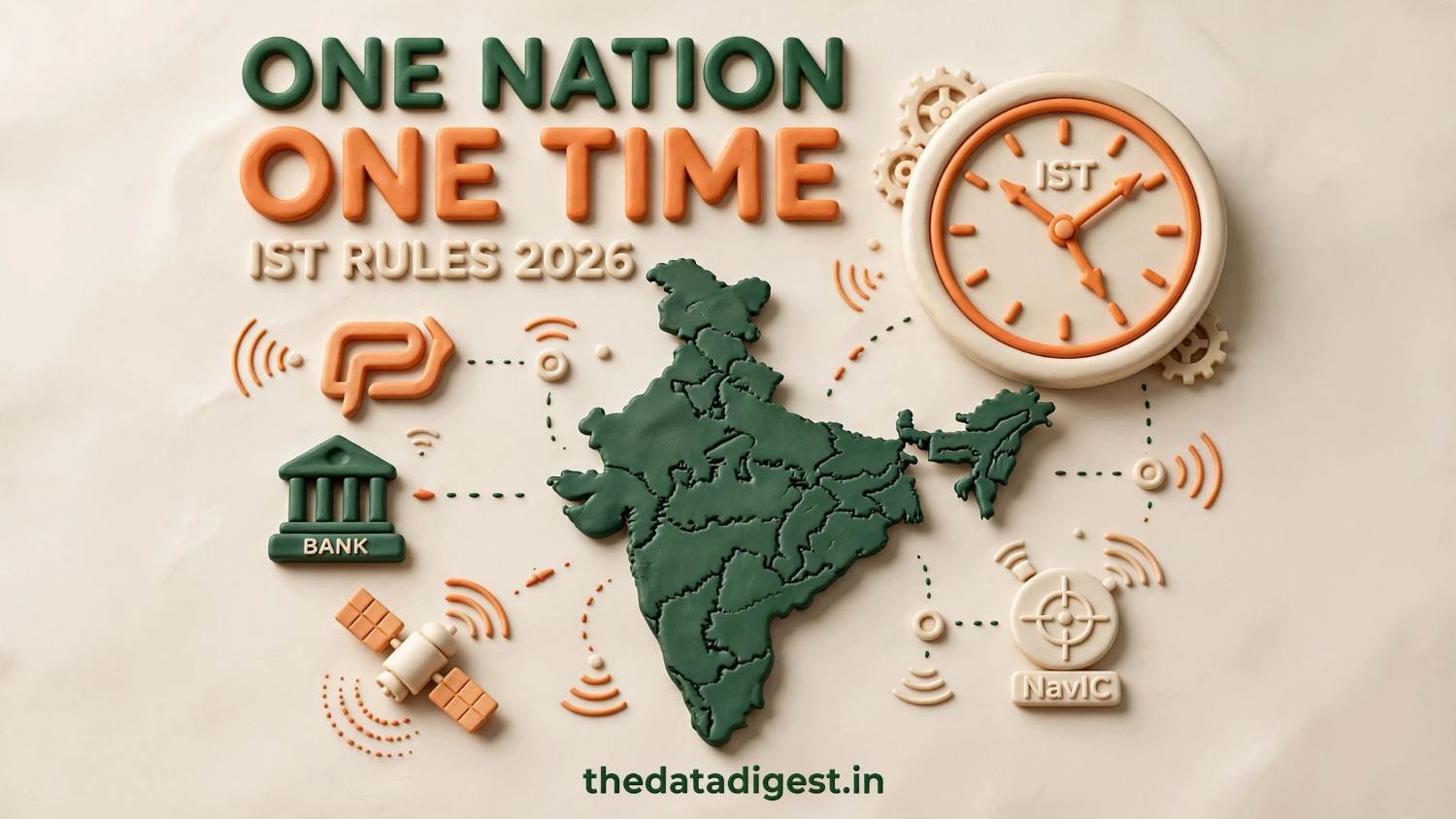
One Nation, One Time क्या है?
भारत में IST और नए One Nation, One Time Rules 2026 के बारे में जानें।
पूरा लेख पढ़ें →JPEG to PDF Converter & Size Reducer FAQs
JPEG को PDF में online कैसे convert करें?
क्या कई JPEG images को एक PDF में combine कर सकते हैं?
क्या JPEG और JPG दोनों को PDF में convert किया जा सकता है?
JPEG या JPG image का size कैसे कम करें?
क्या PNG और WebP images को भी compress किया जा सकता है?
क्या PDF को JPG में convert किया जा सकता है?
क्या PDF का file size कम किया जा सकता है?
क्या JPEG to PDF Converter mobile पर काम करता है?
📢 Data Digest से जुड़े रहें
Useful tools, government updates, career information और latest posts के updates पाएं।