
Free Word & Character Counter Online
Count words, characters, sentences and paragraphs instantly. Use this free online word counter for essays, assignments, articles, social media posts, applications and everyday writing.
What Is a Word & Character Counter?
A word and character counter is an online writing tool that analyses your text and instantly shows the number of words and characters it contains.
It can be useful when writing essays, assignments, blog posts, applications, emails, social media captions and other content where you need to stay within a specific word or character limit.
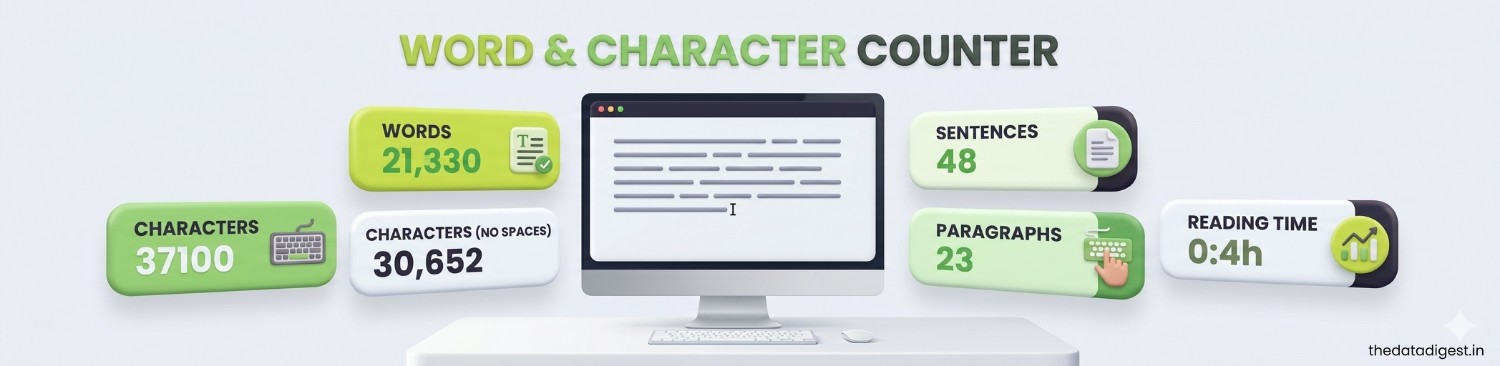
The Data Digest Word & Character Counter also provides additional statistics such as sentence count, paragraph count, characters excluding spaces and estimated reading time.
💡 Tip: If a website gives you a maximum word or character limit, paste your text here before submitting it to quickly check its size.
📝 Count Your Words & Characters
Paste or type your text below and get live statistics instantly.
Free • Live Counting • No Sign-Up • Mobile Friendly
Why Use an Online Word Counter?
Different types of writing often have different length requirements. A word counter provides a quick way to check whether your content fits the required limit.
- Check essay and assignment word counts.
- Monitor the length of blog posts and articles.
- Check character limits for forms and applications.
- Measure the length of social media captions.
- Estimate how long a piece of content may take to read.
- Review text statistics before publishing.
Word Counter Features
Word Count
Get the total number of words in your text as you type or paste content into the tool.
Character Count
See the total number of characters in your text, including spaces.
Characters Without Spaces
Check how many characters remain when spaces are excluded from the calculation.
Sentence Count
Get an approximate count of sentences based on common sentence-ending punctuation.
Paragraph Count
See how many separate non-empty paragraphs your text contains.
Reading Time
Get an estimated reading time based on the number of words in your text.
Quick Copy
Copy your complete text to the clipboard with one click.
Case Shortcuts
Quickly convert your current text to uppercase or lowercase when needed.
How to Use This Word Counter
Open the Tool
Click the button above to open the Word & Character Counter.
Enter Your Text
Type directly into the box or paste text from another application.
View Statistics
Words, characters, sentences, paragraphs and reading time update automatically.
Copy or Edit
Copy the text, change its case or clear the editor and start again.
What Do the Different Counts Mean?
Word Count: The approximate number of words detected in the text.
Character Count: The total number of characters, including spaces.
Characters Without Spaces: The number of characters after whitespace is removed.
Sentence Count: An approximate number of sentences identified using common punctuation such as periods, question marks and exclamation marks.
Paragraph Count: The number of non-empty blocks of text separated by line breaks.
Reading Time: An estimate based on an average reading speed of approximately 200 words per minute.
📌 Word and sentence detection can vary with abbreviations, symbols, languages and unusual formatting. The results should therefore be treated as useful estimates rather than formal linguistic analysis.
Useful for Students, Writers & Professionals
Students
Check essays, assignments, reports and other academic writing against specified word limits.
Writers
Monitor the size of articles, stories, drafts and other long-form content.
Bloggers
Check article length and quickly review text before publishing online.
Professionals
Useful for emails, applications, reports, summaries and content with character restrictions.
Is My Text Uploaded?
The counter operates directly in your web browser using JavaScript. The basic counting functions do not require you to create an account or send your text to a server.
However, you should still avoid pasting confidential passwords, financial information, private documents or other highly sensitive content into any online tool unless you understand the privacy practices of the service you are using.
More Data Digest Tools
Frequently Asked Questions
What is a word counter?
A word counter is an online tool that calculates the approximate number of words in a piece of text.
What is a character counter?
A character counter calculates the number of characters contained in your text. This version also shows characters without spaces.
Does the word counter include spaces in the character count?
Yes. The main character count includes spaces. A separate statistic shows characters without spaces.
Is this Word & Character Counter free?
Yes. The Data Digest Word & Character Counter is free to use and does not require an account or subscription.
Can I use this tool for essays and assignments?
Yes. It can be used to check the approximate word and character counts of essays, assignments, reports and other documents.
Does the counter work on mobile phones?
Yes. The interface is responsive and designed for modern smartphones, tablets and desktop browsers.
Can I copy my text after counting it?
Yes. The Copy Text button copies the current text to your clipboard when clipboard access is supported by the browser.
How is reading time calculated?
Reading time is estimated using approximately 200 words per minute. Actual reading speed can vary from person to person.
📝 Check Your Text Now
Count words and characters instantly with the free Data Digest tool.